MS2 Ventilation Simulator
Simulates the ventilation device MS2
The MS2 simulator turns a tablet into a ventilator for training. It replicates the structure and operating logic of the original: same menus, same buttons, same display. Those who know the device from use will operate it here just the same, and those who do not know it yet will learn it here without taking a real device out of the vehicle. The ventilation simulator runs on your iPad, on other tablets, or on the computer in the browser.
The MS2 is included in the licenses C3 + MS2 and Max.
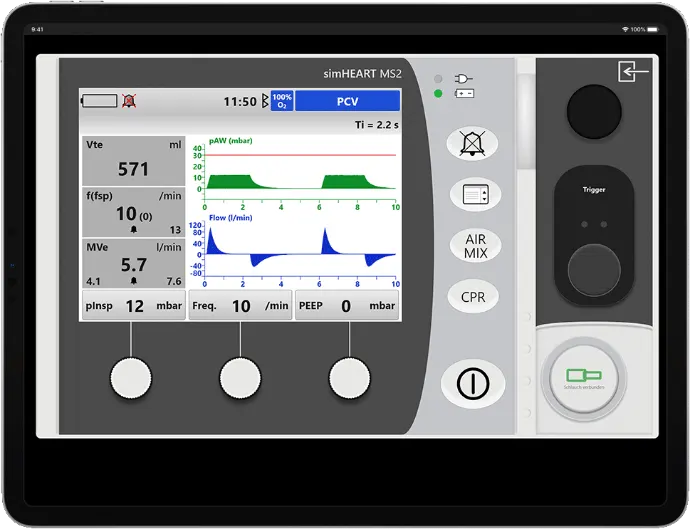
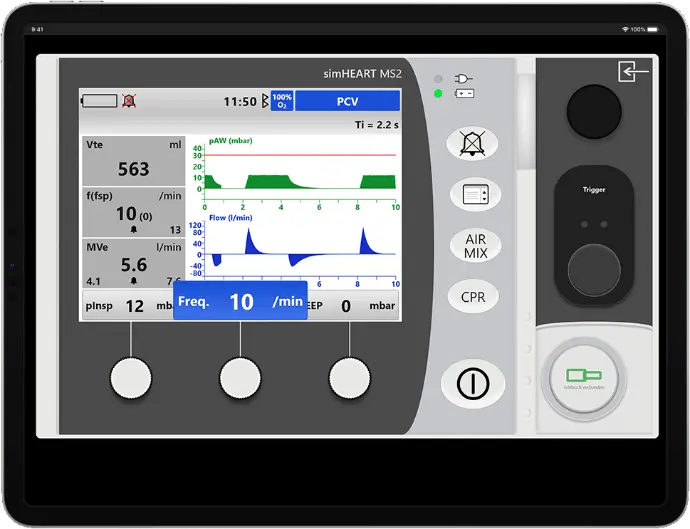
Operation as on the original device
Menu navigation, button layout, and display logic are replicated from the device.
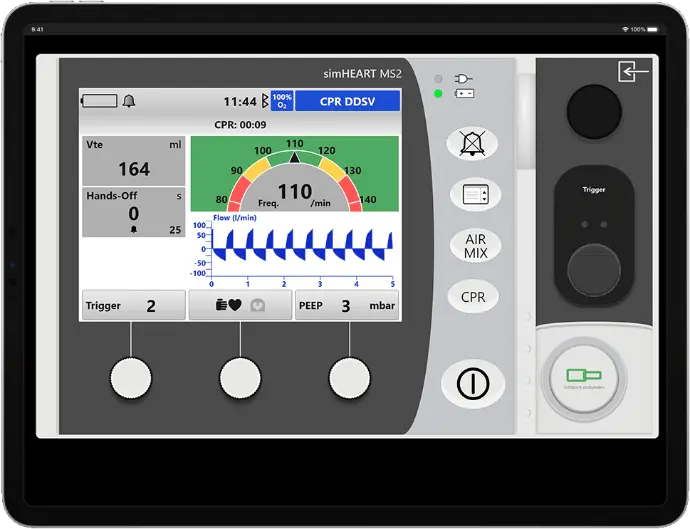
CPR mode
All CPR modes of the device are integrated for ventilation during ongoing resuscitation. The chest compressions are synchronized with the other devices of the simulation.
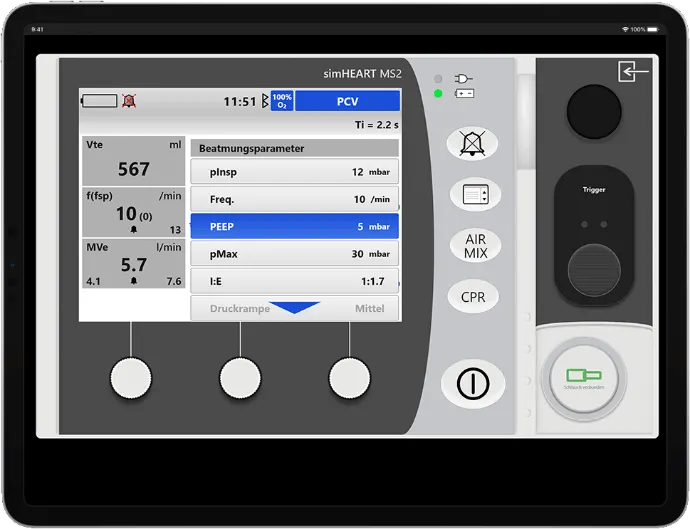
All modes of emergency medicine
Volume-controlled, pressure-controlled, and CPAP with ASB, each with the parameters that are actually adjustable on the device.
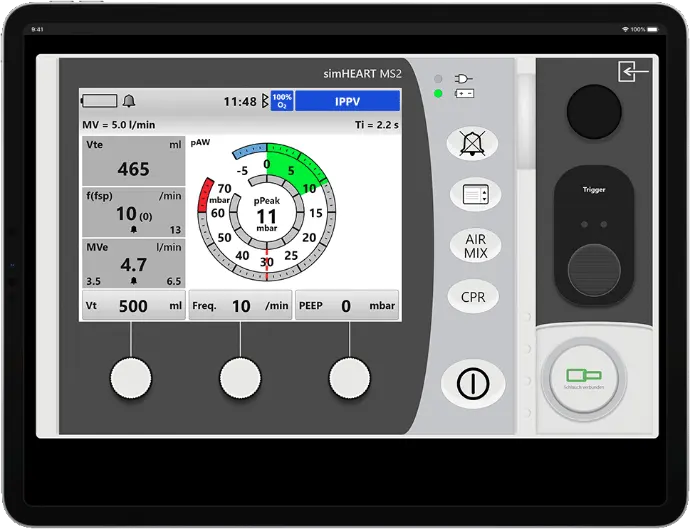
Curves or pressure gauges
Switchable between pressure and flow curve and the classic manometer view.
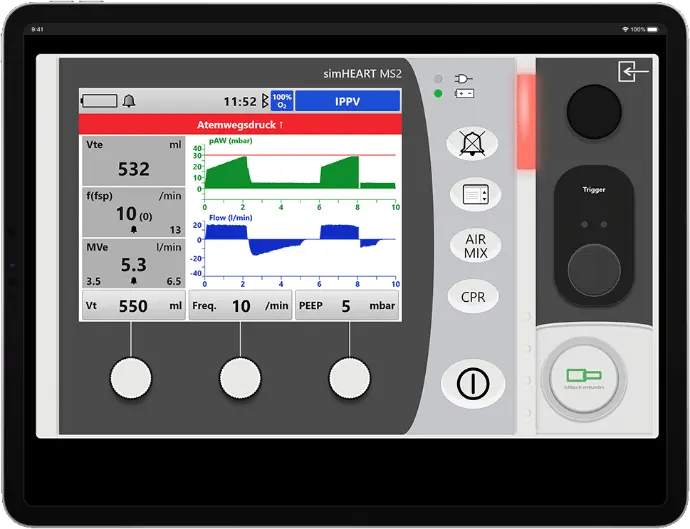
Alarms as in real-world use
Threshold exceedances appear visually and acoustically on the device and must be acknowledged.
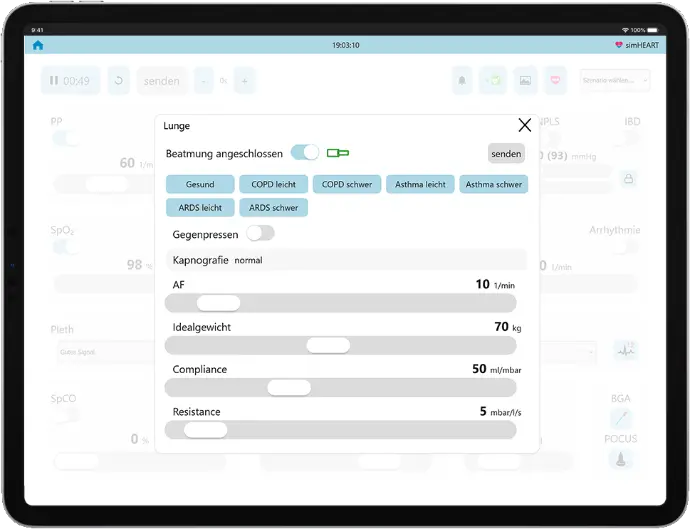
Lung freely adjustable
Compliance, Resistance, respiratory rate and ideal weight freely selectable, along with specifications for COPD, asthma and ARDS. Counter-pressing and disconnection at the push of a button.
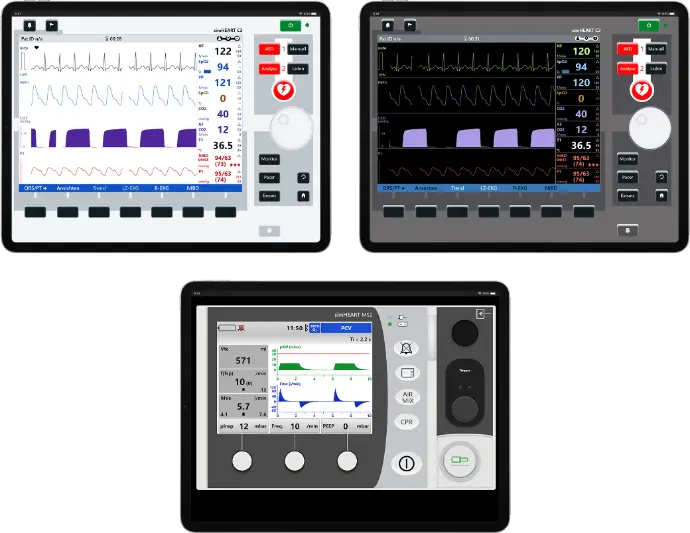
With C3: License C3 + MS2
Monitor and ventilator together: The license C3 + MS2 includes the Monitor C3 along with C3T and the ventilator MS2. For all who have exactly these two devices in use.